Jun 27, 2026
AI Upscaling Adoption: Improving Low-Resolution Editorial Images at Scale
Integrating AI Into Creative Post-Production and Visual Systems
AI entered my workflow the same way any serious tool does, through testing, comparison, and intentional integration. Not as a trend. Not as a shortcut. But as an extension of visual problem-solving.
Across both editorial production and personal creative projects, I've explored how AI can strengthen image quality, expand visual environments, and support scalable workflows without compromising realism or credibility.
Strengthening Headshots and Contributor Bios
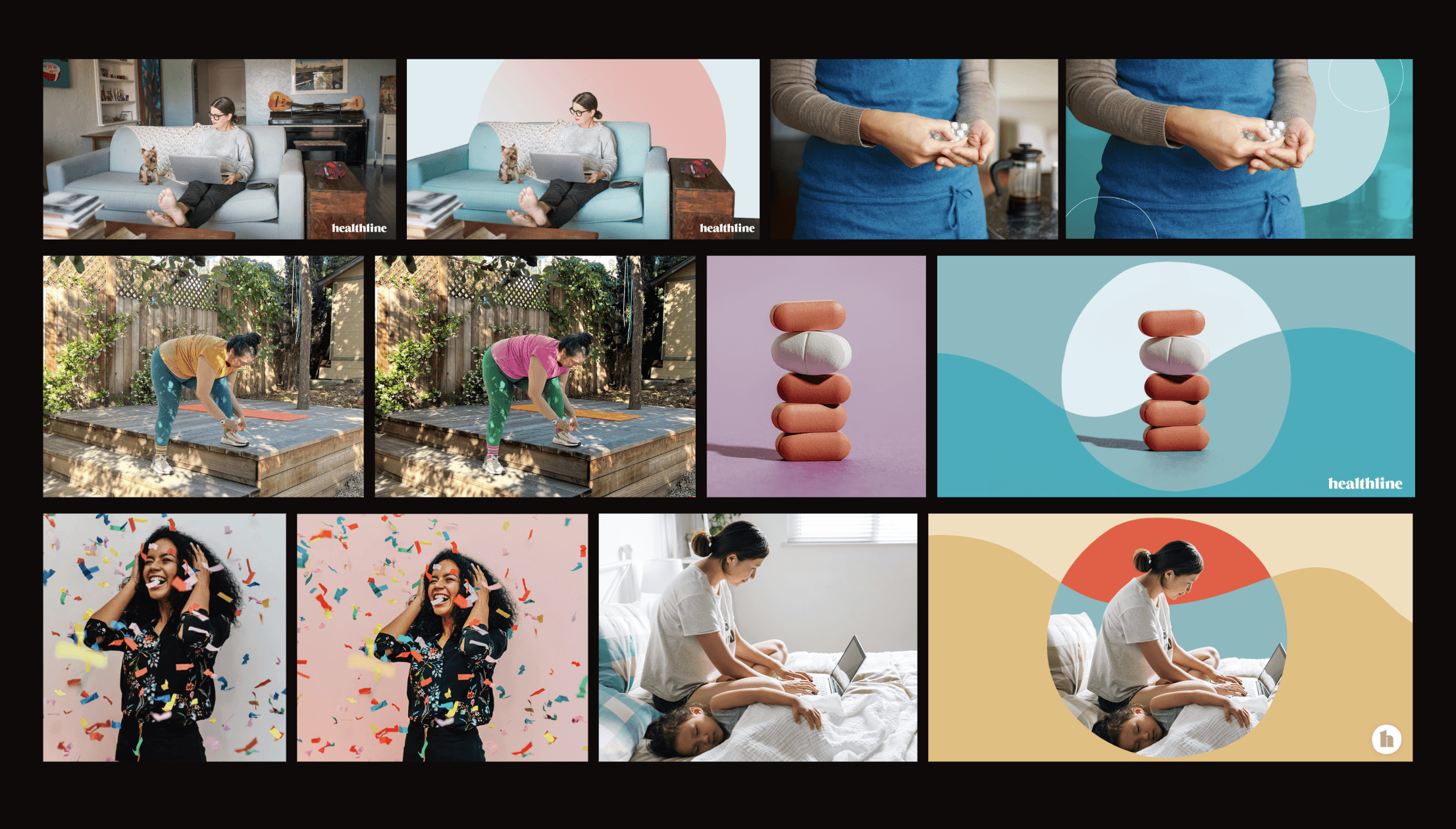
In editorial publishing, contributor images often arrive compressed, low-resolution, or pulled from web formats. Yet these small headshots, especially those placed at the bottom of articles, carry disproportionate weight. They signal trust. Authority. Professionalism.
Before AI enhancement tools matured, improving these images required heavy manual retouching: sharpening layers, selective noise reduction, edge masking, and texture rebuilding. The effort was significant, and the results were inconsistent.
I began testing AI upscaling tools such as Topaz Labs and Remini to evaluate whether resolution and clarity could be restored more efficiently. But the evaluation wasn't about "sharpness." It focused on realism.
I tested for:
Natural skin texture (avoiding the over-processed look)
Edge integrity around hairlines and glasses
Artifact control
Preservation of identity and expression
When AI outputs met those standards, they were blended carefully with manual retouching, never used in isolation. The result was a more scalable workflow for restoring contributor images while maintaining editorial integrity.
Expanding Backgrounds and Refining Composition
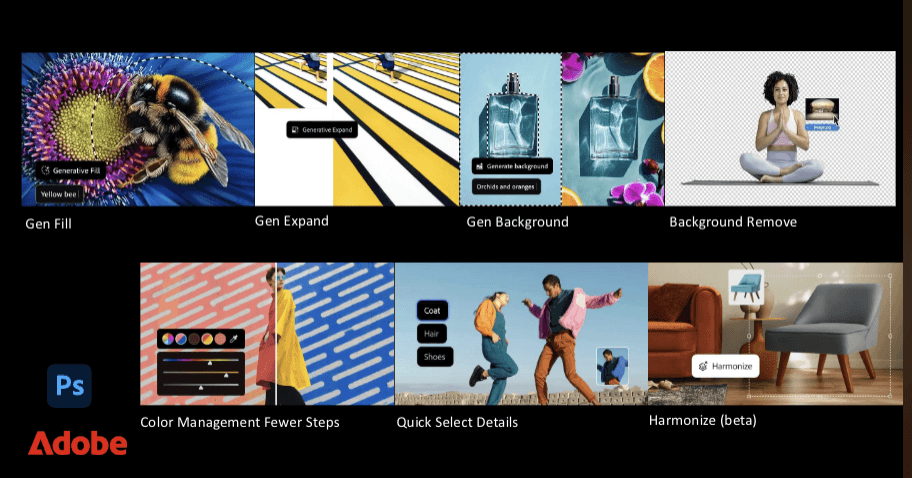
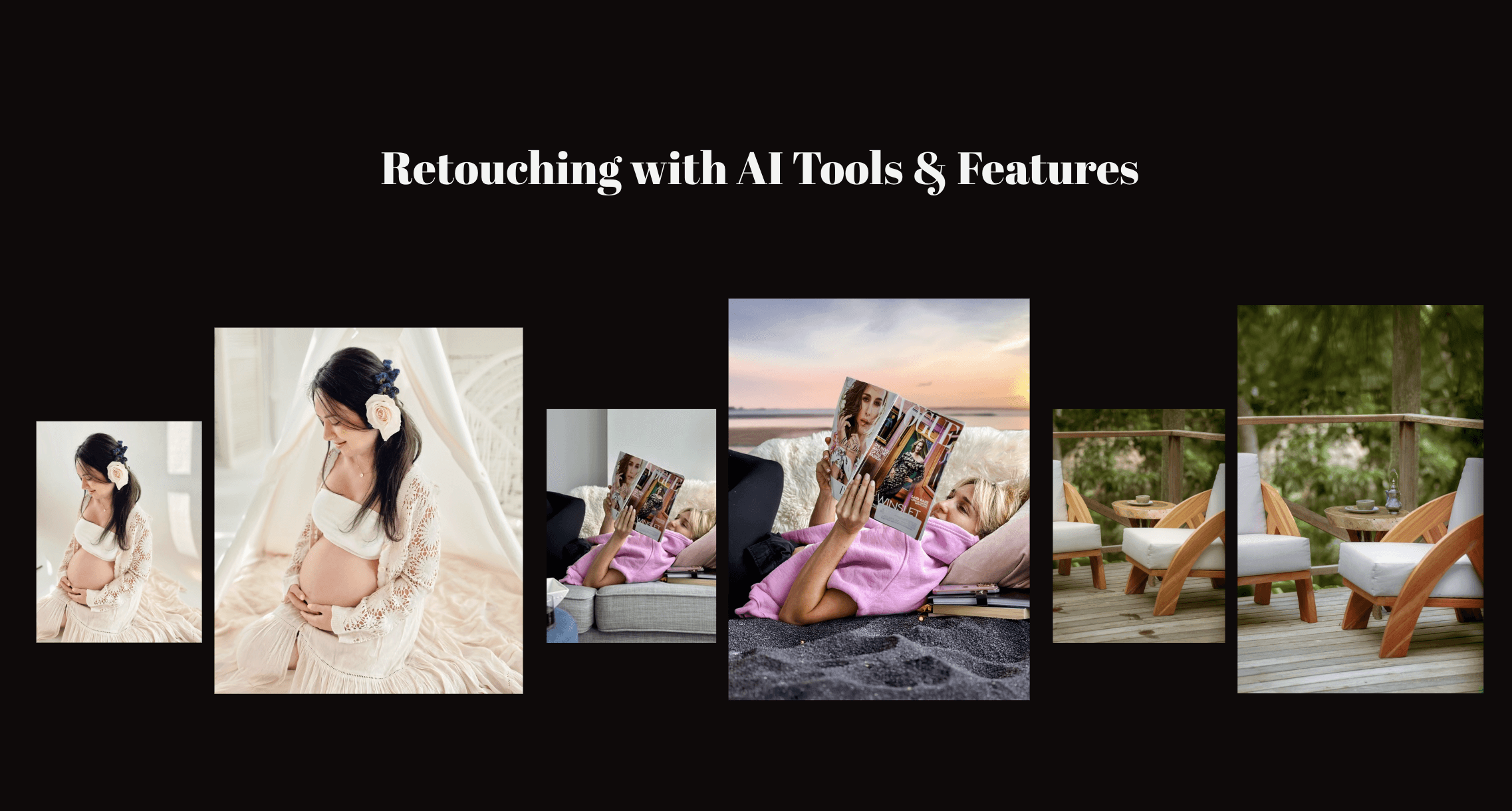
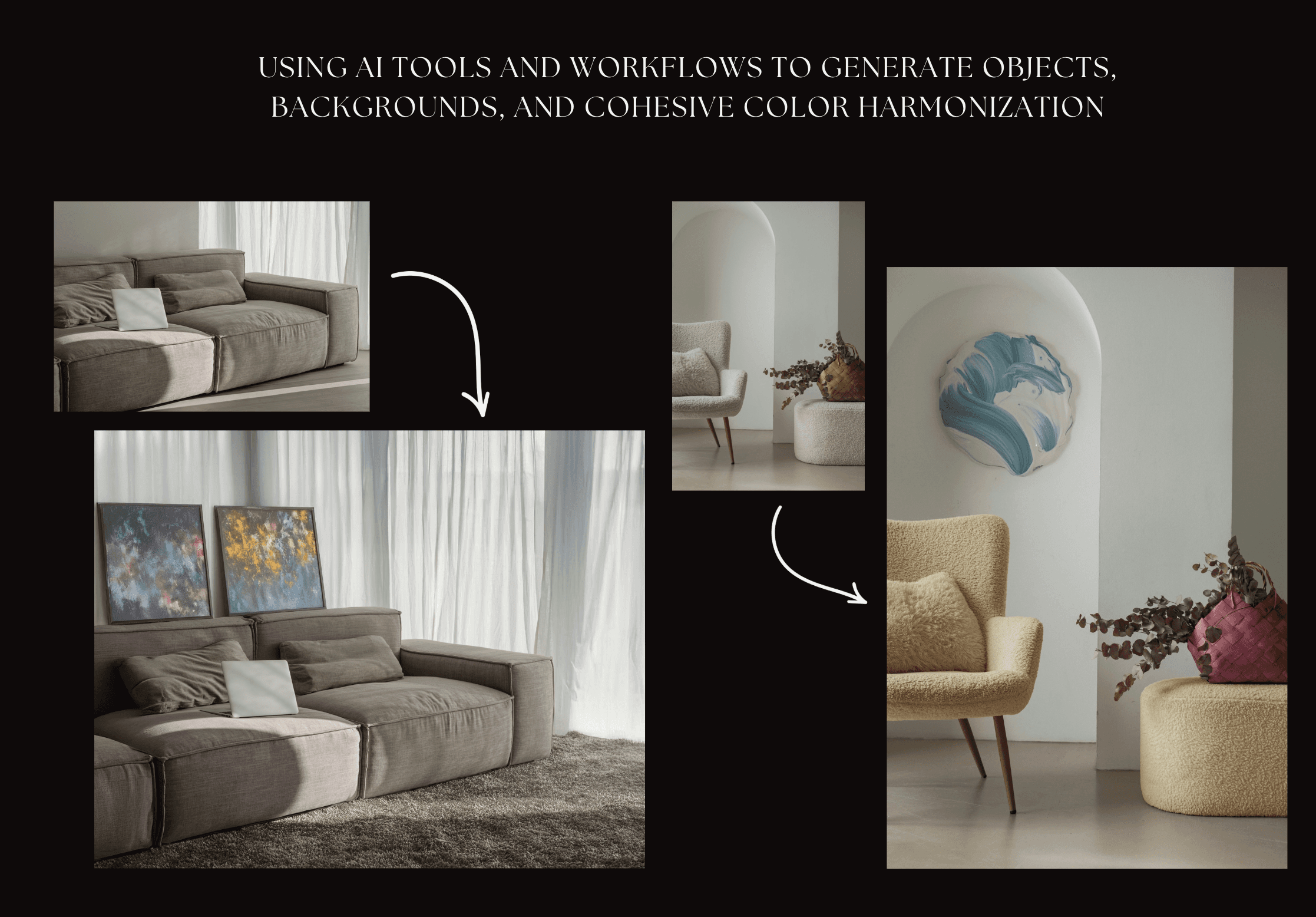
Beyond editorial use, I've explored AI-powered background expansion and object refinement in personal and portfolio projects, particularly by combining Photoshop's generative tools with structured prompting.
These tools allowed me to:
Extend backgrounds to improve composition
Generate cohesive environmental elements
Remove distractions while preserving lighting logic
Harmonize color relationships across a scene
The objective was never a dramatic transformation. It was structural clarity balanced by negative space. Cohesive tone. Stronger visual harmony.
AI became part of the compositional toolkit supporting decisions rather than dictating them.
Prompt-Based Image Generation and Color Systems
I've also worked directly with prompt-driven image generation to build controlled environments from scratch. This required understanding how descriptive language influences lighting direction, lens feel, material texture, and spatial realism.
From there, the refinement process begins.
Color grading is adjusted to maintain cohesion. Textures are reviewed for authenticity. Scenes are evaluated for consistency across a larger visual system.
The goal is not an "AI look."
The goal is editorial control.
A Layered, Responsible Workflow
Each tool serves a defined role within the system:
Topaz supports structural resolution.
Remini assists in clarity recovery testing.
Photoshop's generative tools support expansion and refinement.
Prompt systems enable conceptual prototyping.
But no tool operates without oversight. Every output is evaluated for realism, brand credibility, and, when applicable, rights and usage considerations.
AI, in my workflow, is augmentation not automation for its own sake.
It allows me to move efficiently while maintaining visual standards. It supports experimentation while protecting authenticity. And most importantly, it integrates into a larger creative system built on intentional decisions.
I don't use AI to replace craft.
I use it to extend it.